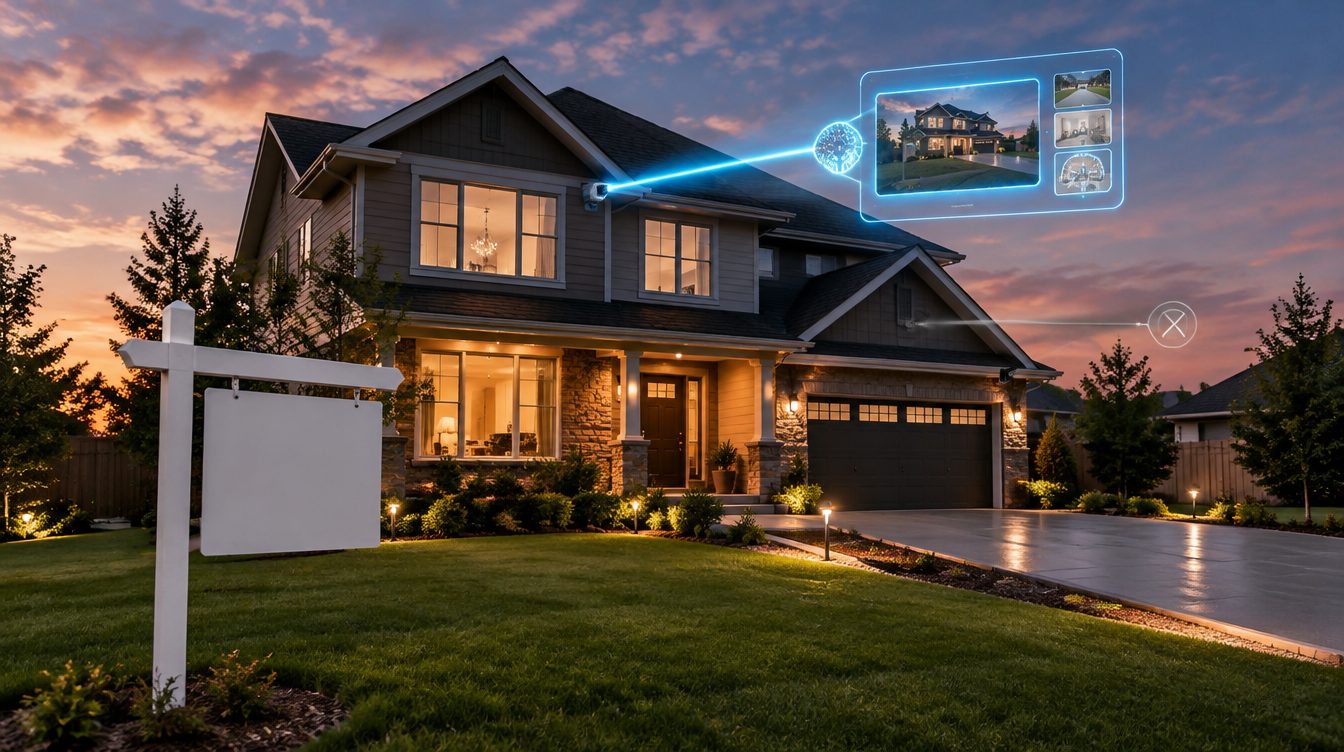
Yes, you can put a video on the MLS. What most MLSs will not accept is your video, the one with the logo animation at the front and your cell number on the closing card. That cut belongs on your own channels. The MLS wants the same footage with every trace of you taken out of it, and the definition of "trace of you" is wider than almost any agent expects. It covers team names, slogans, a sign visible in a photo, a second watermark stacked on the first, and in some markets a recognizable face.
The distinction has a name in the data standard the industry runs on, it has enforceable rule text in every MLS that publishes its rulebook, and in at least one large MLS it has a price list attached. Here is what the rules actually say, why they say it, and how to get both cuts out of one project without building the video twice.
Branded and unbranded are field names before they are marketing terms
The Real Estate Standards Organization maintains the Data Dictionary that MLSs use to describe listings to each other and to the portals. Version 1.7 carries two separate fields for tour links. VirtualTourURLUnbranded is defined as "a text field that holds the URL for an unbranded virtual tour of the property." VirtualTourURLBranded is defined as "a text field that holds the URL for a branded virtual tour of the property." Both are strings with a suggested maximum length of 8,000 characters, and both sit in the Listing and Marketing group.
The adoption numbers are where it gets interesting. RESO reports the unbranded field implemented by 316 of 344 organizations, or 92 percent. The branded field sits at 169 of 344, or 49 percent. Read that as the industry telling you something plainly: the unbranded tour is the one nearly every MLS in the country has a place to put. The branded tour is optional infrastructure, and roughly half of them never built it.
So when an agent asks whether video is allowed on the MLS, the honest answer is that a slot for it exists almost everywhere, and that slot is spelled unbranded.
What the rule text says, in two MLSs that publish it
Model rules are useful for understanding intent. The rule that governs your upload is your own MLS's, and the wording varies enough to matter.
CRMLS, rule 11.5(e), effective July 10, 2026
California Regional MLS defines media as "photographs, images, drawings, renderings, audio, video, and virtual tours," which puts a listing video squarely inside the same rule as a photo. Rule 11.5(e) then reads: "Branding of any Media submitted to the MLS is prohibited. Branding is defined as the inclusion of any content in media that can be used to identify any person or entity including but not limited to the listing broker or agent or any franchise or company the broker or agent are affiliated with, contact information for the broker or agent et al, or any other material that is or may be associated with the broker or agent et al."
The rule then lists what that includes: "signs, contact information, identifiable persons, logos, slogans, catchphrases, external links or references, team names, or any other items related to the broker or agent." A separate provision at 11.5(d) prohibits subsequent use of media "which results in double watermarks appearing in the Media."
Notice how much of that has nothing to do with a logo. A closing card that says "The Harper Group" is a team name. A tagline is a catchphrase. A URL burned into the last frame is an external reference. An agent who strips the logo and leaves the rest has not complied.
"Identifiable persons" sits in that same list, which points at a second question the branding rules only half answer. Whether there can be people in your listing video at all, including figures an AI staging pass added on its own, is governed by a separate and far less consistent set of MLS policies.
Stellar MLS, Article 04.05, last updated September 15, 2025
Stellar MLS, which serves much of Florida, writes it as a list of what media may not contain: "company or agent logos, agent photos, commissions, bonuses, contact information for the agent or office, direct or indirect branding for an agent, brokerage or team, text, or graphics of any kind (with the exception of the Stellar MLS watermark)."
Two details in that sentence are worth slowing down for. The first is "text, or graphics of any kind," which is broader than the CRMLS wording and reaches things an agent would never think of as branding. The second is the parenthesis: the MLS reserves the right to watermark your media, and its own mark is the only one permitted. Stellar also allows one narrow carve-out, that "third-party virtual tour vendor's contact information (non-interactive) is the only contact information allowed on Virtual Tours," and it requires that the tour link itself "may not contain any Participant/Subscriber names or links to any third-party business or social networking sites."
Stellar attaches numbers to it. General non-compliance falls under the Automatic Fines Schedule, Level I: $100 for a first offense, $250 for a second, $500 for a third, and $1,000 for a fourth, which also triggers a disciplinary hearing. Media that references commissions or bonuses jumps to Level III, at $500 for a first offense and $2,500 for a second. Beyond those, the schedule provides for a hearing before a board panel with penalties reaching $15,000, plus suspension or termination of MLS privileges. Most agents assume a branded video gets quietly rejected. In Florida, it can get invoiced.
Why the rule exists at all
It is tempting to read this as MLSs being difficult. The logic holds up better than that.
The listing record is shared property. It is the thing every cooperating broker in the market pulls from, republishes on their own site, and shows to their own buyers. NAR's Handbook on Multiple Listing Policy defines listing content to include "photographs, images, graphics, audio and video recordings, virtual tours, drawings, descriptions, remarks, narratives, pricing information, and other details," and its model rules provide that a listing "shall not be advertised by any Participant other than the listing broker without the prior consent of the listing broker." A branded video sitting in that shared record forces every other broker to republish your advertising alongside the property, which is the exact thing the rule against advertising another broker's listing is meant to prevent.
Worth being precise about one thing, because a lot of published advice gets it wrong: NAR's model rules do not contain a national branded-versus-unbranded video mandate. The model rules define what listing content is and who may advertise it. The branded and unbranded requirement is written locally, by your MLS, which is why the CRMLS and Stellar wording above differs in scope even though both land in the same place. Check yours. The rule you are bound by is the one in your own rulebook, not the one in an article.
The branding an agent is most likely to miss
Logos and phone numbers get caught. These are the ones that come back rejected:
A yard sign in the footage. The California Model MLS Rules call out photographs "displaying 'for sale' signs posted on the property" as prohibited branding, and CRMLS lists "signs" outright. If your exterior shot includes the sign with your name on it, that frame is branded even though you never added an overlay.
Your team name on a closing card. Explicitly named in the CRMLS list, and covered by Stellar's "direct or indirect branding for an agent, brokerage or team."
A URL at the end. An external link or reference under CRMLS, and under Stellar's tour-link rule an outbound link to a third-party or social site is disallowed even when it lives in the URL rather than the video.
A recognizable person. CRMLS prohibits identifiable persons in media. Stellar's photo guidance rules out lifestyle photos and virtual tours featuring people. That includes you walking through the entry, and it includes the seller's family in a framed photo if it is legible. Compliance is only half of that one, because a legible family photo or an identifiable occupant is a consent question before it is an MLS question, which is the permission and copyright side of filming a walkthrough.
A vendor watermark. If your tool stamps its own mark on the render, that mark identifies an entity. Under Stellar's wording the MLS watermark is the only one allowed, and CRMLS separately prohibits media that ends up carrying two. This matters for free tiers: a watermarked trial video is not an MLS-safe video, whatever else is right about it.
Producing both cuts from one project
The workflow that survives all of this is to build the property video first and treat the branded version as an export rather than a second production.
ShowcaseVideos.ai starts from a listing URL on Zillow or Redfin, pulls the gallery for that one property, and builds the video from it, up to 30 photos per job. The default landscape cut carries an address and price lower-third, which is worth separating from branding in your head: the address and the price are facts about the property and belong in the listing record. Your name is not. The branded end card, the element that would break the rules above, arrives with the Office plan and is a distinct piece of the render rather than something baked into the footage.
That separation is what makes two cuts cheap. A finished video stays editable for 30 days, and inside that window a change re-renders for the rendering cost alone rather than charging for the whole job again, because the imported photos, the staged rooms and the motion clips are all still on disk. Take the end card off, re-render, and you have the MLS cut. Extra formats price the same way, at 6 credits for a vertical 9:16 cut and 4 for a square 1:1, against 18 for the base landscape render. The second version is a fraction of the first, which is the entire argument for making the unbranded cut the master and branding on the way out.
One honest limit. The free first video uses every photo in your listing and does not ask for a card, but it carries a small watermark, and by the rules above that watermark is itself branding. Use the free render to judge whether the output is worth paying for, then activate a plan before anything goes near the MLS. Start a free listing video and see the output before you decide.
Where each cut belongs
The unbranded cut goes in the MLS media or virtual tour field, and it is the one that syndicates out to the portals with the listing. The branded cut goes everywhere you control the page: your own site, your social accounts, email to your buyer list, and paid ads. Neither is a compromise. They are two different jobs, and each answers to a rulebook you did not write, because the branded cut has to satisfy your state's advertising rules on what legally has to appear on screen in a listing video. Zillow runs a second rulebook on top of the MLS one, and it bans persistent logos and watermarks in listing video for reasons of its own, which is why putting a video on a Zillow listing has its own set of specs worth checking before you send a file.
If you are working out where each version needs to go and in what shape, the full guide to distributing a listing video across the MLS, Zillow, social and ads covers the destinations in order, and the aspect ratio cheat sheet covers what each platform wants dimensionally. For the build itself, start with how to turn listing photos into a cinematic video.
How to check your own MLS in ten minutes
Search your MLS's member site for its rules and regulations document, then search that PDF for the word "branding" and the word "media." Nearly every MLS that publishes rules keeps both in the same article, usually the one covering photographs. Read the definition of branding rather than the list of examples, because the definition is what enforcement runs on and the list is never exhaustive. Then check whether your MLS has a separate branded tour field at all. Given the RESO adoption numbers, there is close to an even chance it does not, which means the only tour link you can supply is the clean one.
If your rulebook is vague, ask compliance in writing and keep the reply. Rules on listing media move, and enforcement moves with them. The CRMLS text quoted above carries an effective date of July 10, 2026, which is recent enough that an article written last year would quote a superseded version. There is a related question about how far you can alter what the footage shows, separate from what you may add to it, covered in the line between editing a listing photo and misrepresenting it.
Frequently asked questions
Can you put a video on the MLS?
In most MLSs, yes, through a media or virtual tour field. The version you upload has to be unbranded, meaning it carries nothing that identifies you, your team, or your brokerage.
What makes a tour unbranded?
The absence of anything identifying the listing agent or brokerage. CRMLS defines branding to include signs, contact information, identifiable persons, logos, slogans, catchphrases, external links, and team names, so an unbranded tour has none of those.
Can I put the address in an MLS video?
Generally yes. The address and the price describe the property rather than the agent, and property information is what the listing record is for. Your name, your number and your website are the parts that have to come out.
What happens if I upload a branded video by mistake?
It depends on the MLS. Some remove the media and send a notice. Stellar MLS applies an automatic fine schedule starting at $100 for a first offense and rising to $1,000 and a hearing by the fourth, with a higher tier for media referencing commissions or bonuses.
Do I need two separate videos?
Two exports, not two productions. Build the unbranded property cut as the master, then add the branded end card for the version that goes on your own channels. With a 30-day edit window, the second cut re-renders for the rendering cost rather than the full job.
Does a watermark from my video tool count as branding?
Yes. A vendor watermark identifies an entity, which is what the branding rules prohibit. Stellar MLS permits only its own watermark, and CRMLS separately bars media that ends up with two watermarks on it.