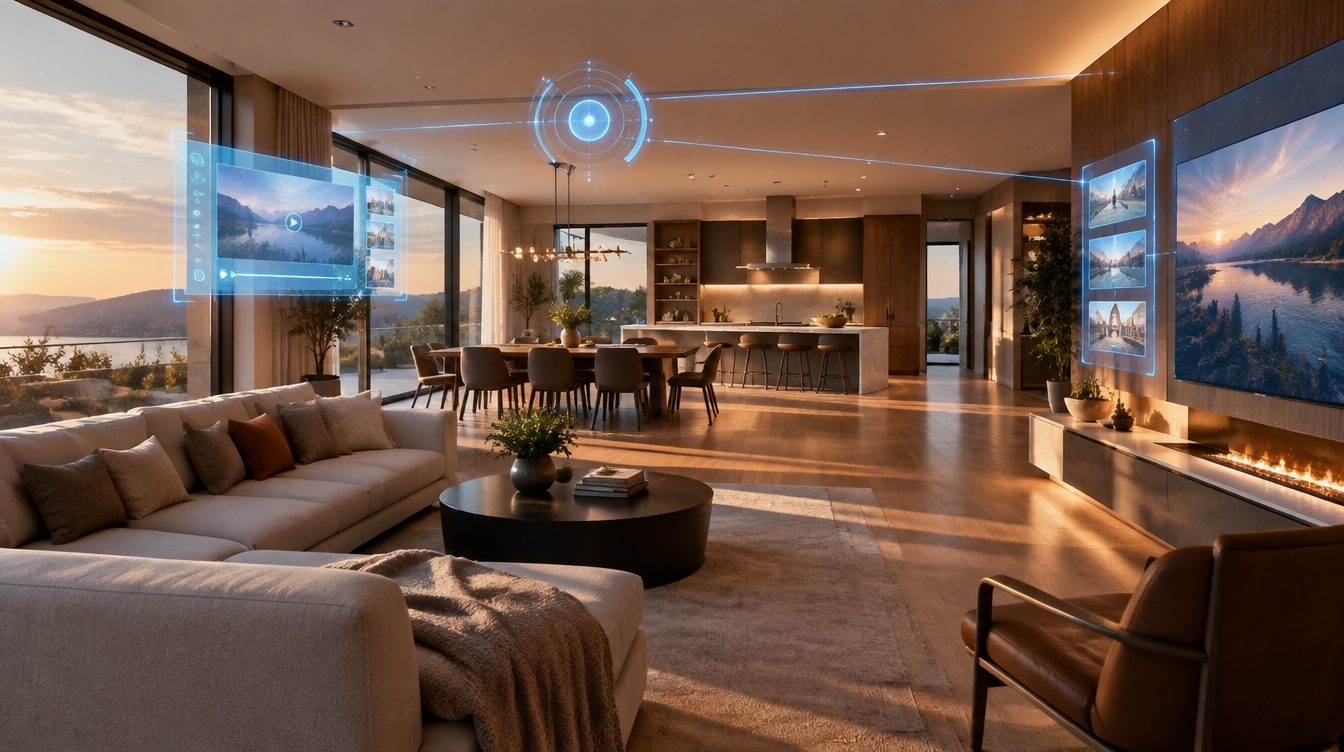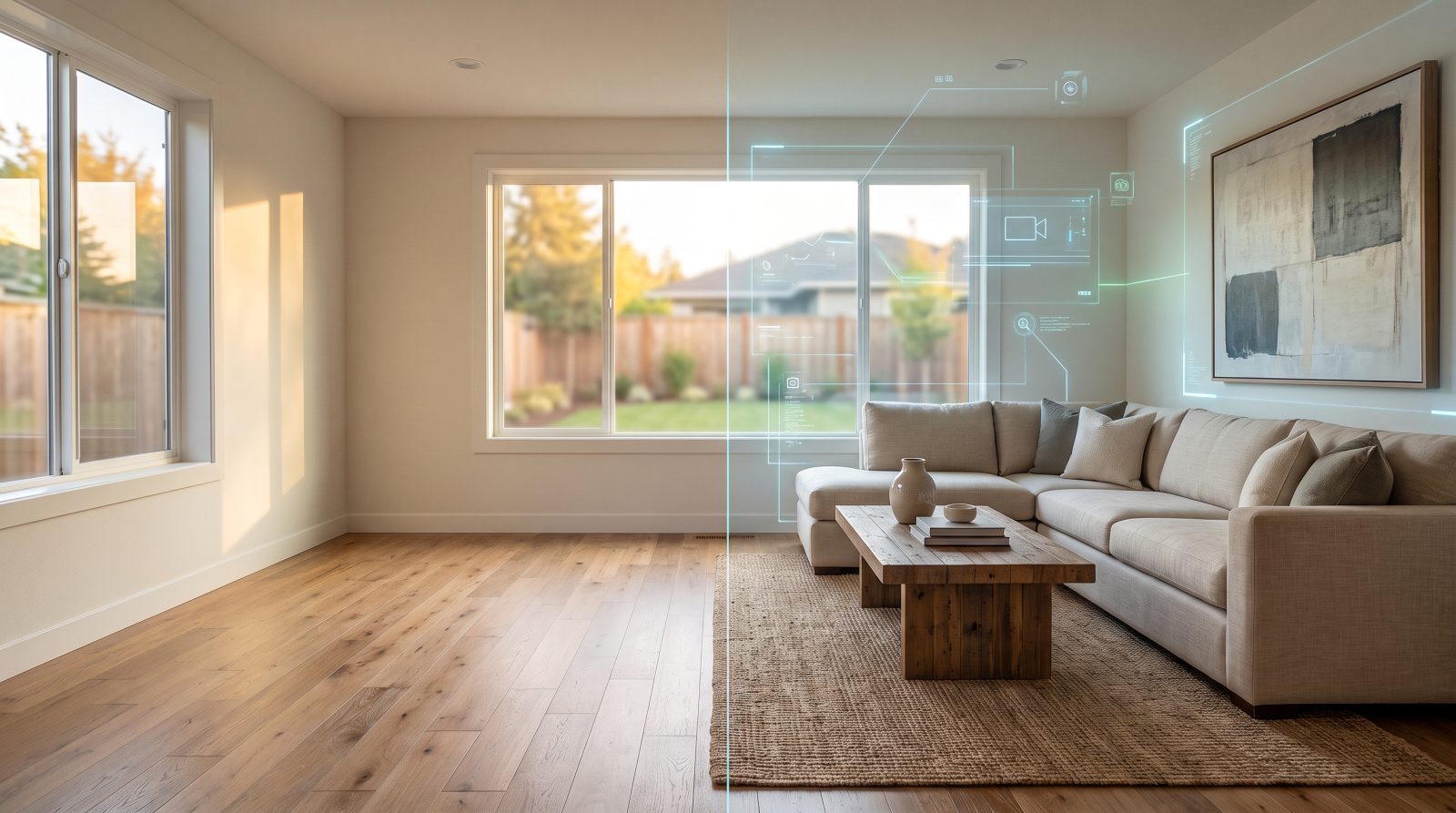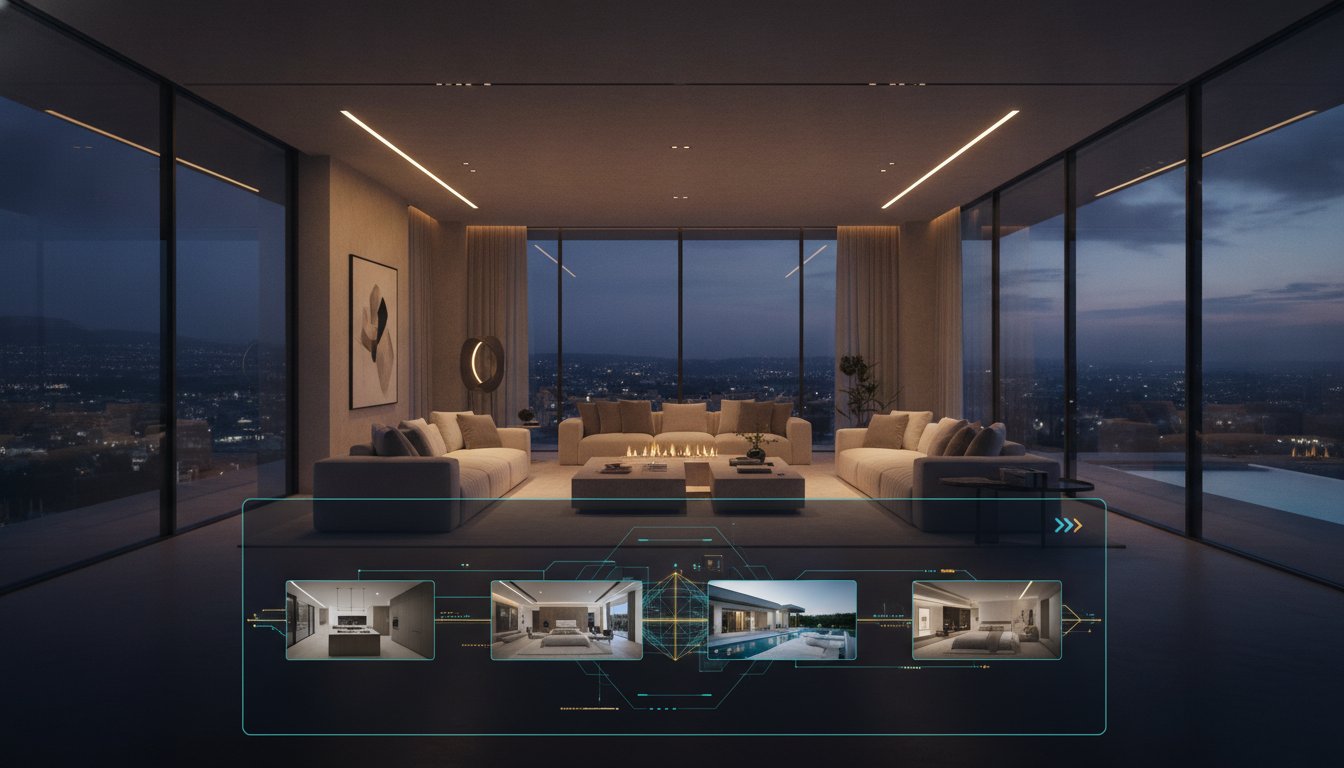
The category of tools that turn listing photos into video barely existed three years ago and now has a dozen entrants, most of them priced between twenty and a few hundred dollars a month, most of them making claims nobody has verified. This is a guide to evaluating them, including the parts vendors would rather you skipped.
What these tools actually do
An AI real estate video generator takes still photographs of a property and produces a video from them: camera motion across each frame, transitions between rooms, a music bed, text overlays for the address and price, and usually a closing card with agent branding. Some also furnish empty rooms and export alternate aspect ratios for social.
What none of them do is film anything. There is no camera in a house, no drone, no operator walking a gimbal through a hallway. That distinction sounds obvious written down, and it disappears fast in marketing copy that describes output as cinematic or drone style. Motion applied to a photograph is a real and useful effect. It is not aerial footage, and a seller who is told otherwise will notice.
Where the category genuinely earns its place
Volume is the honest answer. An agent listing one property a month can hire a videographer for it, or spend an evening with a template tool, and either works. At three or four listings a month the arithmetic changes, because the per listing cost or the per listing evening starts to exceed a subscription.
The second real win is coverage of listings that would otherwise get nothing. Most agents already do video for the expensive listing. The mid market property that gets photos and a portal upload and nothing else is where this category actually changes what ships.
The third is speed at the front of a listing's life. The first days carry most of the attention a property will ever get, and a video that arrives a week after launch has missed the part that mattered.
Where it is the wrong tool
Above roughly two million dollars, buyers are comparing your listing against shot cinematic tours with twilight photography and aerial work. Bringing a photo based video to that comparison undersells the property, and positioning it to a luxury seller as equivalent costs credibility quickly.
Land, acreage, and properties whose appeal is the approach or the setting need a drone. No amount of synthesized motion across a ground level photograph substitutes for altitude.
And a property that photographs badly will produce a bad video. These tools inherit their input. A blown out window stays blown out, and a room shot at a distorting wide angle looks more distorted once the frame is moving.
Five things worth checking before you subscribe
Start with what the motion actually looks like on your own photographs rather than on the vendor's demo reel, which was built from a professionally shot luxury property specifically because that is what looks best. A free trial that lets you feed in your own listing is worth more than any gallery.
Check whether alternate aspect ratios are included or billed separately, because that is the most common place an advertised monthly price understates the real one. A vertical cut is not a crop of a landscape one, so a tool offering only a crop is offering less than it appears.
Check the music licensing in writing. A track being selectable inside a tool is not the same as that track being cleared for commercial use in a listing video, and this catches more agents than any other issue in the category.
Check what happens when you cancel. If the tool hosts your videos and the hosting ends with the subscription, every link you have shared to a seller or posted alongside a listing becomes a dead end.
Check which listing sources it can import from, and take the specific answer rather than the general one. Support for Zillow is not support for the MLS, and tools in this space are routinely vague about that distinction.
Reading the claims on vendor pages
This corner of real estate marketing recycles statistics badly. Numbers like a 403 percent increase in inquiries or a 40 percent lift in engagement appear on vendor page after vendor page with no study, no sample size, and no methodology, and tracing them usually ends at a single company's self report from years ago.
A quick test catches most of them. Look for a named organization, a date, and a link to the original report rather than another blog citing another blog. Be suspicious of any figure dramatic enough to be genuine news that somehow only appears in marketing copy. And treat a vendor willing to publish an unsourced number as having told you something about how it handles the claims you cannot check.
The business case for listing video traces the most famous of these numbers to its origin and replaces it with figures a seller can actually verify.
The four categories that show up in the same search
The tools that show up in the same search results do genuinely different jobs. A general design app with video templates, a purpose built photo to video tool, a freelance editor on a gig marketplace, and a 3D tour platform are four different purchases, and picking the cheapest option in the wrong category costs more than the expensive option in the right one.
The comparison of real estate video software lays out all four categories side by side, including which prices could be verified against the vendor's own page and which could not.
What ShowcaseVideos.ai does, specifically
Photos come in either by uploading them or by pasting a Zillow or Redfin listing URL, which pulls the gallery and the property details. Other portals, including Realtor.com and generic MLS sites, are not supported, and for those you upload directly. Up to 30 photos per video.
The build happens through a conversation with an AI director rather than a timeline, where you describe the property, flag which rooms should lead, and say which empty rooms should be furnished. Staging is applied per room at 1 credit each.
The base landscape render at 16:9 is 18 credits and includes the director conversation, library music, and hosting. A vertical 9:16 cut adds 6 credits and a square 1:1 cut adds 4, both as exports from the same project. An AI composed score is 4 credits; library music is included.
Plans are 59 dollars a month or 49 annually for 190 credits, roughly four videos; 239 or 199 for 780 credits; and 699 or 599 for 2,350. Unused credits roll over for two months. The first video is free with no card required. It carries a watermark and otherwise has the same 30 photo limit as a paid video, so you can judge the output on a complete listing.
A reasonable way to decide
Run your own worst listing through a free trial rather than your best one. A tool that handles a mediocre gallery in an ordinary house tells you something useful, and one that only looks good on a professionally shot property tells you what you already knew.
Then compare against what you actually do today rather than against an ideal. If the honest answer is that most of your listings currently get no video at all, the bar is not whether this matches a videographer. It is whether it beats nothing, and whether you will still be using it in three months.
Frequently asked questions
How many photos do I need?
Up to 30 are supported. Fifteen to twenty-five strong frames, ordered as a walkthrough, covers most homes better than filling the ceiling with near duplicates.
Can I turn a Zillow or MLS URL directly into a video?
A Zillow or Redfin URL works and pulls the address, price, and photo gallery automatically. Generic MLS sites and Realtor.com are not supported; upload the photos directly for those.
Does virtual staging come with it?
Yes, applied per room at 1 credit each rather than to the whole property, so you can furnish the rooms that need it and leave the rest as photographed.
Which formats can I export?
Landscape at 16:9, vertical at 9:16, and square at 1:1, all from one project. The landscape base render is 18 credits, vertical adds 6, square adds 4.
Is there a free trial?
Yes, the first video is free with no card required. It carries a watermark and has the same 30 photo limit as a paid video.
Do I need video editing experience?
No. The build runs through a chat where you describe the property and what matters about it, rather than through a timeline.
Should I use one of these tools for a luxury listing?
Not for the primary walkthrough. At the top of the market buyers expect shot video and aerials. These tools fit better there as a supporting layer, such as a vertical teaser for social before the full production is ready.
How do I tell a good tool from a bad one in this category?
Feed it your own photos, read the music licensing terms, find out whether alternate formats cost extra, ask what happens to hosted videos if you cancel, and check whether its statistics have real sources attached.
Test it on a listing of your own rather than on a demo reel. Your first video is free, watermarked, no card required.