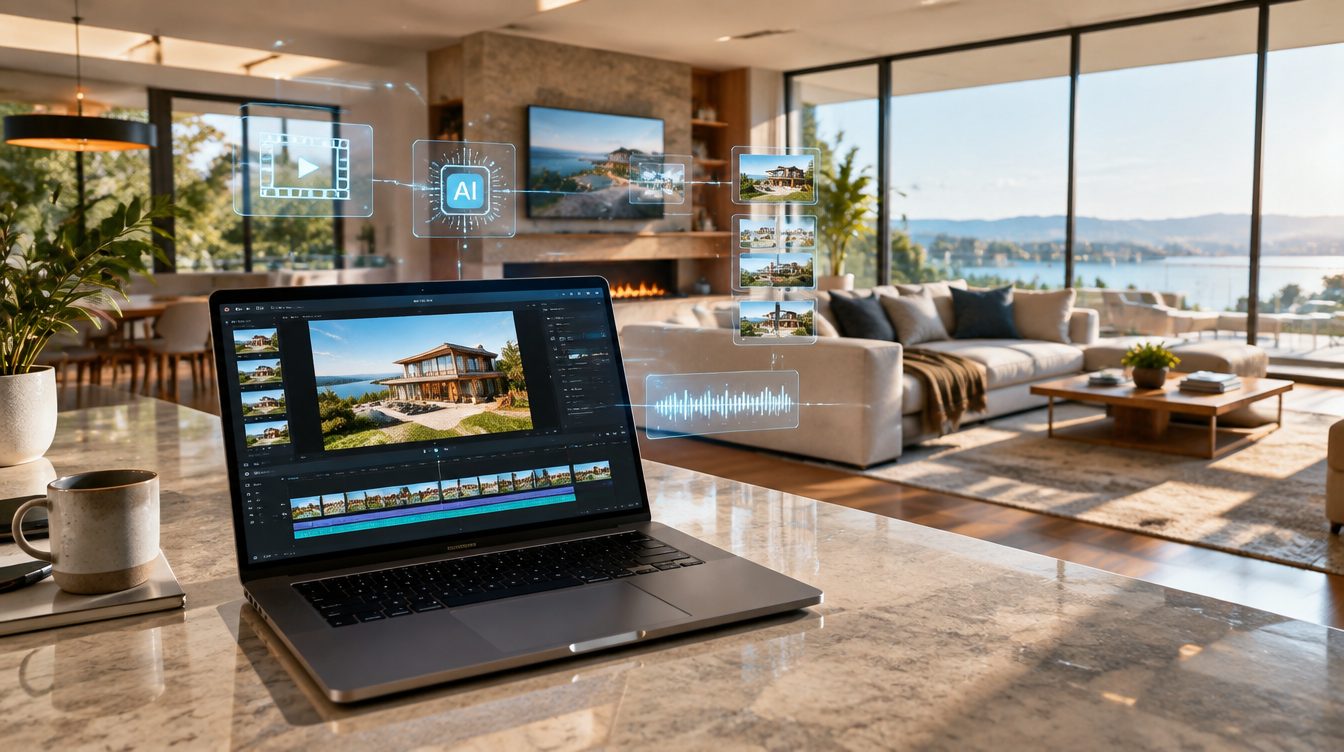
If the video you make most often is a listing video, the tool should start from the listing. Animoto starts from a template and an empty timeline. That one difference is what most agents are feeling when they go looking for an alternative, and it is worth being precise about before you move anything.
The short version: Animoto is a general purpose drag and drop video maker with real estate templates available inside it. ShowcaseVideos.ai does one job. You paste a Zillow or Redfin listing URL, it pulls that property's photo set, and it renders a cinematic cut with AI camera motion on the hero shots, virtual staging for the empty rooms, an address and price lower-third, and music. Your first video is free and does not ask for a card. If your video work is mostly listings, that shape removes the part that takes the evening. If your video work is mostly everything else, there is a section below where Animoto is the better buy, and it is an honest one.
What Animoto is, and where that shows up in listing work
Checked on animoto.com on 20 September 2026: Animoto sells four tiers. Free gives you unlimited video creation at 720p, screen and webcam recording, 50 licensed music tracks, and an Animoto watermark on what you export. Basic removes the watermark and moves you to 1080p. Professional adds your logo and colors, 3,000 licensed music tracks, over a million licensed Getty Images photos and videos, 4K export, voice-over, and video landing pages, for one user. Professional Plus adds the 100 million asset Getty tier, a shared workspace with user and role management, a dedicated account manager, and a licence to resell to businesses, for three users.
Its real estate page shows more than sixteen templates aimed at agents: listing videos, open house invitations, walkthroughs, just sold cards, team introductions, new construction. The editor is competent and the templates look fine. What the real estate page and the features page do not mention, on either of them, is any connection to a listing portal or an MLS. You bring the photos. You place them in order, set the text on each card, pick the music, and export. Every one of those steps is a step you repeat on the next listing. Canva's real estate video templates work the same way, and our comparison of Canva real estate video templates and an AI video generator walks through that workflow step by step.
That is the real cost, and it is not on the price page. A thirty photo listing is thirty placements plus the captions, the music choice, and the export. Time it once on your next listing. That number, whatever it turns out to be for you, is the actual difference between these two tools, and it is the one number neither pricing page will tell you.
Start from the listing URL, not from a blank project
Our importer takes a Zillow or Redfin listing URL and returns that property's gallery, up to thirty photos in a single job. The part worth explaining is the scoping, because it is the part that is hard to build and invisible when it works. A Zillow detail page carries roughly eight nearby homes and twenty similar homes, and every one of those thumbnails sits on the same photo CDN with the same URL shape as the gallery you actually want. On one real page we measured 1,111 CDN hits against 31 genuine gallery photos. A tool that sweeps the page for anything that looks like a listing photo quietly imports other people's houses into your video. Ours reads the structured payload first, scoped to the one property, and falls back to a bounded sweep only when it has to.
The output of that step is a finished draft rather than a starting point. You are reviewing an order and a set of camera moves instead of building them.
Three things a slideshow cannot add afterward
Camera motion on the hero shots
A crossfade between still photos reads as a slideshow no matter how good the photos are. Our render animates the strongest shots into real moves, a push into a room, a pull back off the exterior, a truck across a kitchen, with parallax rather than a zoom on a flat image. That costs seven credits a shot and you choose which shots get it. A template editor can pan and zoom a still. It cannot manufacture the depth.
Virtual staging built into the listing flow
Empty rooms are the weakest frames in most listing galleries, and vacant listings are where video has the least to work with. Staging a room costs one credit and is its own step in the same listing flow, where you pick one of four looks and see each result before the video renders, so there is no separate staging vendor, no upload and download cycle, and no waiting a day for images to come back before you can start the video.
An address lower-third and an original score
The base render is 18 credits and includes the widescreen cut, the address and price lower-third, library music, and hosting. An AI composed original score, length matched to the video, is four credits on the Office plan and above. Library music is included at no extra credit cost. Music rights are a live risk on social platforms, and a score composed for this cut rather than borrowed from a playlist removes that category of problem entirely.
One render, three cuts, against one project per ratio
Animoto supports three aspect ratios, landscape at 1920x1080, square at 1080x1080, and vertical at 1080x1920. Its own help article on changing the ratio states that the setting applies to your entire project, and recommends that you make a copy of the project, change the ratio there, and export separately if you want more than one. That is a workable answer and it is also two projects to keep in sync when the price drops.
On our side the vertical cut is six credits and the square cut is four, both generated from the same render you already approved. Both are available on the Agent and Office plans, so if Reels and TikTok are central to how you market, the vertical cut is an add-on to the render you already approved rather than a second project.
What each one costs, checked this week
Animoto's pricing page renders its tier prices in script rather than in text, so the figure I can actually quote from Animoto is the one Animoto publishes in its own comparison posts: paid plans start at $8 a month billed annually, on a roundup its blog updated on 26 February 2026, with the same $8 starting figure in a second roundup from December 2025. The pricing page itself advertises up to 50% off annual plans. Third party pricing aggregators list the individual tiers and they do not agree with each other. One puts Basic at $16 and Professional at $29 a month, another puts the same two at $19 and $39, and neither shows a verification date. Open the pricing page in a signed out browser and read it yourself before you budget anything.
Ours, read off the live pricing page on 20 September 2026. Agent is $49 a month billed $588 a year, 190 credits, which the page estimates at about two videos a month for a single seat. Office is $199 a month billed $2,388 a year, 780 credits, about nine videos, up to five seats sharing one pool. Brokerage plans, with more seats, pooled credits and MLS workflows, are set up directly with the team. A typical listing video runs about 86 credits, which is where those video estimates come from, and on the Agent annual rate that works out near $22 a listing.
Two things about that number matter more than the number. Credits bill what a video actually needed, so a three room condo with no staging does not cost what a thirty photo estate with motion on every hero shot costs, and the studio shows you the exact credit cost of the video you have configured before you press render. And you do not need a plan at all: top up packs start at $20 and come down to about $0.26 a credit at the largest size, top up credits never expire, and plan credits roll over for two months. If you list four times a year, buy credits and skip the subscription. During our Beta every new account gets 50% off for a full year on any plan, which puts the Agent tier near $25 a month while it lasts.
For the fuller version of this comparison across the category rather than against one product, we keep a running breakdown of what agents actually use for listing video software, and a companion AI real estate video generator buying guide that covers what to test before you commit to any of them.
About the 403% number on that page
Animoto's real estate page carries a line promising a 403% increase in listing inquiries just by including a video. No study is named next to it on the page as fetched on 20 September 2026, and the figure deserves a note, because agents repeat it at listing appointments.
We traced it. The earliest published attribution we could find is a single sentence in Inman on 30 June 2014 crediting a study by the Australian portal Domain.com. No sample size, no field period, no definition of an inquiry, and no published study behind it that we could locate. It does not appear anywhere in NAR's own research, despite being credited to NAR across a good part of the category. If a seller asks where the number comes from, you do not want to be the one holding it. We keep a list of the listing video statistics that survive a source check, which is shorter than the internet suggests and more useful at an appointment.
Where Animoto is the better pick
If listing video is a minority of what you make, buy Animoto. It is cheaper at entry, it handles screen and webcam recording, and the Getty library gives you footage for the videos that have no house in them at all: market updates, a team introduction, a client testimonial, a neighborhood piece, a recruiting clip for the brokerage. We render listing videos from listing photos. We do not do any of that, and a general editor you already know beats a specialist tool you would use twice a year.
How to decide in five minutes
Count the videos you made in the last ninety days and sort them into listing and not listing. If most of them were listings, the import and the render are worth more to you than the template library, and the assembly time you stop spending is the whole argument. If most of them were not listings, Animoto is the cheaper home for that work and you can buy our credits as a top up for the listings when they come.
If you are somewhere in the middle, test it on a live listing rather than on a demo. Paste the URL of something you have on the market now, let it render, and compare it against what that listing has today. The first video is free, it uses every photo in the listing exactly as a paid video does, it carries a small watermark, and it does not ask for a card. Start with the free first video and judge the output on your own property.
One honest caveat on timing: if you are weighing this against hiring a person rather than against another piece of software, the numbers look different, and we wrote up what a real estate videographer charges in 2026 with real quotes rather than estimates.
Frequently asked questions
Is there a free alternative to Animoto for real estate videos?
Animoto's free tier gives unlimited 720p videos with an Animoto watermark. ShowcaseVideos.ai gives you a first video free, at full quality using every photo in the listing, with a small watermark and no card required.
Can Animoto import photos from a Zillow listing?
Nothing on Animoto's real estate page or features page mentions importing from Zillow, Redfin, or an MLS, as checked on 20 September 2026. You upload the photos yourself, then place them in the template.
What does Animoto cost in 2026?
Animoto's own blog roundups put its paid plans starting at $8 a month billed annually, and the pricing page advertises up to 50% off annual plans. The individual tier prices do not render as text on that page and third party aggregators disagree about them, so read the live page in a signed out browser before budgeting.
Can I get vertical Reels cuts from either tool?
Animoto supports vertical, square, and landscape, but the ratio applies to the whole project and its help article suggests duplicating the project to export a second ratio. On our side a vertical cut is six credits and a square cut is four from the same render, on the Agent and Office plans.
How many photos does a listing video need?
Our importer takes up to thirty photos in one job, which covers almost every residential gallery. Fewer photos shot well beats thirty mediocre ones, and the camera motion does more for a video than the count does.
Do I have to subscribe to make one video?
No. Top up packs start at $20 and the credits never expire, so an agent who lists a few times a year can buy credits for each listing instead of carrying a monthly plan.