Why a listing without video is starting behind
Buyers scroll. A listing page with nothing but static photos asks someone to imagine movement through a space they've never stood in, stitched together from a stack of frames that don't connect to each other. A video, even a simple one built from those same photos, does that connecting work for them. It turns a gallery into a sequence, gives the property a beginning and an end, and holds attention on the page longer than a photo grid ever will. That's the whole case for video on a listing. Not a trend, just a lower-friction way for a buyer to picture themselves in the space before they've booked a showing.
None of that requires a cinematic production. It requires a video that exists, that's built from real photos of the real property, and that doesn't eat an agent's entire evening. That's the bar this guide is aimed at clearing.
The three ways agents actually make a listing video
There are three real paths here: shoot it yourself, hire a videographer, or turn the photos you already have into a video with an AI tool. Each one fits a different situation, and none of them is wrong so much as wrong for a given listing. Below is an honest look at all three, followed by the details that trip agents up most: how many photos to use, what order to put rooms in, how long the finished video should run, whether it needs a script, and what it costs to do well. The comparison of real estate video software lays out all four categories of tool side by side, including which prices could be verified and which could not.
Shooting it yourself
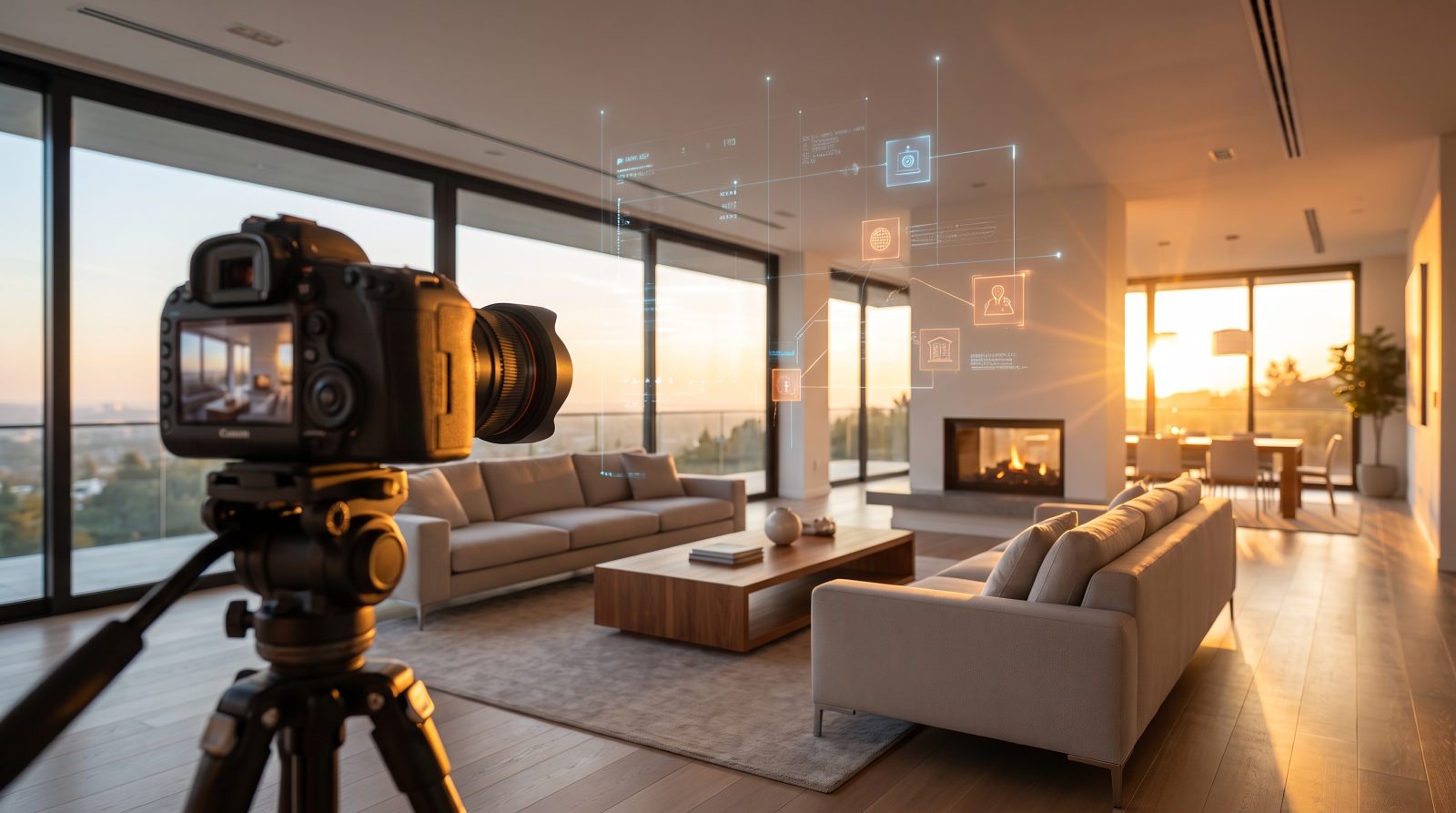
A phone, a gimbal or steady hands, and good light will get you a serviceable walkthrough. The upside is cost, effectively free beyond your time, and full creative control. The downside is time. A proper walkthrough shoot for a single-family listing runs one to two hours once you account for staging each room, re-shooting shaky takes, and grabbing establishing shots outside. Editing afterward adds another hour or more if you want the result to look intentional instead of like a phone video with a filter slapped on it. This path makes sense for agents who genuinely enjoy the production side, or for a listing where the seller specifically wants an agent-led, personal tour.
Hiring a videographer
A local real estate videographer typically shoots a walkthrough, adds a handful of drone shots if the property has a lot worth showing from above, and delivers an edited video within a few days to a week. This is the right call for the top of your market, where the budget can absorb a few hundred dollars and the property genuinely benefits from a human eye behind the camera, twilight exteriors, and real aerial footage. It's the wrong call for a $250,000 starter home where the video mainly needs to exist so the listing doesn't look bare next to competitors who already have one.
Turning your listing photos into a video with AI
The third path skips the shoot entirely and works from photos already taken for the MLS. This is what ShowcaseVideos.ai does. Paste a Zillow or Redfin listing URL and every photo comes in automatically, or upload up to 30 photos directly if the listing isn't on either portal yet. An AI Director asks a few questions in chat: which rooms to lead with, whether to stage any empty rooms, whether you want your branding on the closing card. The pipeline handles the rest, animating camera motion onto the strongest hero shots, pulling an address and price lower-third straight from the listing data, and generating an original score that matches the video's length instead of a stock track that just fades out mid-cut. The first video is free, takes up to 30 photos like a paid one and carries a small watermark, so you can judge the result before deciding whether it's worth a plan. If the property is already on Zillow or Redfin, pasting the listing link skips the upload entirely, which the guide to building a video from a listing URL covers, including where that shortcut is not available.
For the bulk of listings agents handle day to day, this is the path that makes sense. No shoot, no editing software, and a turnaround measured in minutes rather than days.
What the AI Director conversation actually looks like
The pipeline isn't a form with a submit button. It's a short chat. Once a listing's photos are in, whether pulled from a Zillow or Redfin URL or uploaded directly, the Director asks a handful of scripted questions: which rooms to prioritize if the video needs to run shorter, whether any rooms are empty and should be staged, whether you want a headshot and logo on the opening or closing card, and which aspect ratios to build beyond the default landscape cut. Every answer feeds straight into the render instead of getting reinterpreted by a human editor later, which is why the turnaround is measured in minutes instead of a back-and-forth over revisions.
Once the conversation ends, the job moves through the pipeline on its own. Empty rooms get staged, hero shots get camera motion, a score gets generated or pulled from the library to match the video's exact length, and the render assembles everything into the finished cuts. The agent doesn't sit and wait for any of it. The video is usually ready before most editing software would have finished loading the project file.
Common mistakes agents make with listing video
The most common one is treating video as an afterthought added a week after the listing goes live, instead of part of launch day. A listing that goes live with photos only has already missed the window when it gets the most eyes. The second is using every single MLS photo instead of curating: a video built from thirty near-duplicate angles tests a buyer's patience instead of holding it. The third is skipping virtual staging on an obviously empty room and hoping buyers will picture it themselves. Most won't, and an empty room reads smaller and less finished on video than it does in person. The fourth is ignoring vertical formats entirely. A listing that only exists as a 16:9 video is invisible to buyers scrolling Reels and TikTok instead of browsing listing sites directly.
Setting expectations with sellers
Sellers who haven't seen an AI-generated showcase video before sometimes expect a full production crew, or at the other extreme, something obviously synthetic. Neither is accurate. The honest pitch is that this is their own listing photos brought to life with camera movement and pacing. It's not a stock video with their address typed over it, and it's not a replacement for a photographer on a listing that genuinely warrants twilight or drone work. Showing a sample video of a comparable property during the listing presentation, before the seller has committed to anything, tends to close that gap faster than describing the process in words.
How many photos you need
More isn't automatically better. A tight video built from your ten to fifteen strongest shots holds attention better than one built from all thirty photos on the MLS listing, most of which are near-duplicates of the same angle. The full breakdown on photo selection covers exactly which shots earn a slot and which to leave out. As a starting rule: one to two photos per room, plus a strong exterior and one closing shot, is usually enough for anything under 3,000 square feet. Which shots earn a slot is a separate question from how many, and the complete guide to listing photos covers what to shoot and what to cut.
The room order that actually works
Experienced agents converge on a default sequence for a reason: exterior, entry, main living space, kitchen, primary suite, secondary bedrooms and bathrooms, then outdoor space or a closing exterior shot. It mirrors how a buyer would actually walk the property and front-loads the rooms doing the most emotional work. The full room-order playbook covers when to break the rule. A jaw-dropping view lot or a chef's kitchen sometimes deserves to move up.
How long the video should be
Shorter than most agents assume. A default build runs roughly two minutes for the main landscape cut: long enough to cover every room without dragging, short enough that people actually finish watching. Cuts built for Reels, TikTok, and Stories run closer to 45 seconds, since attention on those platforms drops off much faster than on a listing page or MLS embed. The platform-by-platform length guide breaks down what to aim for everywhere the video will actually get watched.
Do you need a script
For a photo-based showcase video, no. There's no one on camera, so there's nothing to script beyond deciding which facts belong on the opening and closing cards. A script only matters once an agent goes in front of the camera themselves, which is a different kind of video entirely. Whether a listing video needs a script between the two and gives a five-line skeleton for the on-camera case, for the listings where that's the better fit.
Getting it onto Reels, TikTok, and Stories
A 16:9 landscape cut built for a listing page looks wrong dropped straight into a 9:16 vertical feed. The framing has to change, not just the crop. Building vertical and square cuts from the same source material, rather than cropping the landscape version after the fact, is what keeps faces and key details in frame instead of sliced off the sides. The vertical-video guide covers the platform specs and the one-set-of-photos workflow in detail.
When photos aren't enough: twilight and drone
Some listings genuinely need more than a photo-to-video tool can generate from stills. A twilight exterior shot, taken by a photographer at dusk with the interior lights on, does something a daytime photo can't, and it's worth the added cost on listings where the exterior is a selling point. Real aerial drone footage matters for anything with acreage, a distinctive lot shape, or a view that only reads from above. AI camera motion on a still photo can create a sense of movement, but it can't manufacture footage that was never captured. Twilight photography and drone video costs versus AI motion both go deeper on when to spend the extra money and when the AI-only path is genuinely enough.
What it costs
ShowcaseVideos.ai runs on a credit system instead of a per-video charge, so the real cost depends on how many videos and extra formats a plan needs to cover in a month. The base render, a landscape hero cut running roughly two minutes and built through the AI Director chat with library music included, costs 18 credits. A vertical cut adds 6 credits, a square cut adds 4, virtual staging costs 1 credit per room, and swapping the free library score for an AI-composed original track costs 4 credits.
Three plans cover most agents and teams. Agent runs $59 a month, or $49 billed annually, for 190 credits, enough for roughly four full videos with room to spare. Office runs $239 a month ($199 annually) for 780 credits, about sixteen videos, built for a small team sharing one pool. Brokerage runs $699 a month ($599 annually) for 2,350 credits, roughly forty-seven videos, for a full office. Unused credits roll over for two months on every plan, so a slow month doesn't waste what was already paid for. Every plan starts with one free video, up to 30 photos, watermarked, so there's no reason to guess before deciding whether it's worth a subscription.
Which formats earn their credits
Not every listing needs every aspect ratio. The landscape cut is close to mandatory since it's what fits an MLS embed, a listing page, and a YouTube upload, so it's worth building for every listing regardless of price point. A vertical cut earns its 6 credits when the property or the agent has real social presence to post it to. Without an audience already watching that feed, the format alone won't do the marketing for you. A square cut is the cheapest add at 4 credits and the one most agents skip, even though it's still what a lot of Facebook and Instagram feed placements default to. Worth adding on higher-budget listings where every placement matters, worth skipping on a quick, lower-price listing where the landscape cut alone is doing the job. The aspect ratio cheat sheet covers which shape goes where and why a vertical cut has to be framed rather than cropped.
The pattern most offices land on: landscape always, vertical whenever the listing gets promoted on social at all, square reserved for listings getting a paid ad push or landing on a broker's own high-traffic feed.
A pre-listing checklist
Before building the video, it's worth confirming a few things rather than discovering them mid-build. Check that the photos actually cover every room worth showing. A video can't include a room nobody photographed. Note which rooms, if any, are vacant and would benefit from staging; deciding this upfront is faster than restarting after an empty room looks sparse in the finished cut. Decide whether the listing has real social promotion planned, which settles the vertical-and-square question above before spending credits on formats that won't get posted anywhere. And confirm the address and price are correct in the source listing or upload, since that's what populates the lower-third automatically. A typo in the MLS carries straight through to the video otherwise.
Frequently asked questions
Can I use a listing URL instead of uploading photos?
Yes, for Zillow and Redfin listings specifically. Paste the URL and every photo imports automatically along with the address and price. For any other portal, upload photos directly. Automatic URL import isn't available outside those two yet.
What if some rooms are empty?
Virtual staging can furnish an empty room in the video for 1 credit per room, using a style matched to the property rather than a generic template.
Do I need editing software?
No. The entire process runs through a chat-based Director, with no timeline editor or rendering software on your end.
How fast does it turn around?
Typically minutes, not days, since the pipeline runs automatically once you've answered the Director's questions.
Can I add my own branding?
Yes. Agents and offices can opt into a branding panel with a headshot and logo on the closing card.
What happens to unused credits at the end of the month?
They roll over for two months on every plan, so a slower month doesn't waste what was already paid for.
Is the free trial video watermarked?
Yes. It takes up to 30 photos, the same as a paid video, and carries a small watermark, enough to judge the quality and pacing before choosing a plan.
Ready to see it on your own listing? Try your first video free. No card required, up to 30 photos, watermarked, so you can judge the result before choosing a plan.